Employee Checkin
Entry/exit logs captured from devices or entered manually.
Overview
Employee Checkin records entry and exit logs from biometric/attendance devices or from manual input. These logs can be used to build attendance automatically.
Create a checkin
- Go to Home → USA Payroll → Employee Checkin.
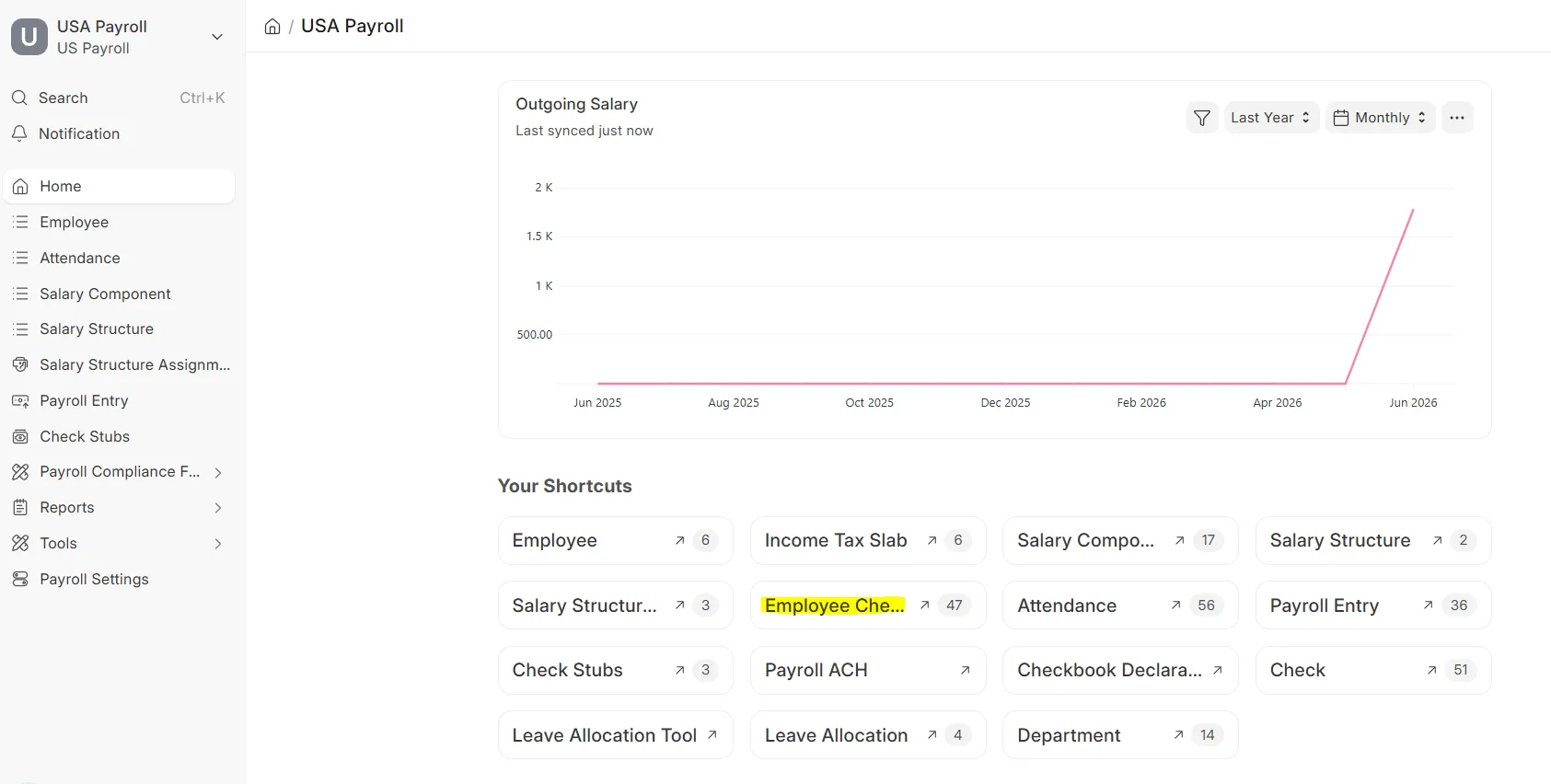 Employee Checkin workspace
 - Click Add Employee Checkin.
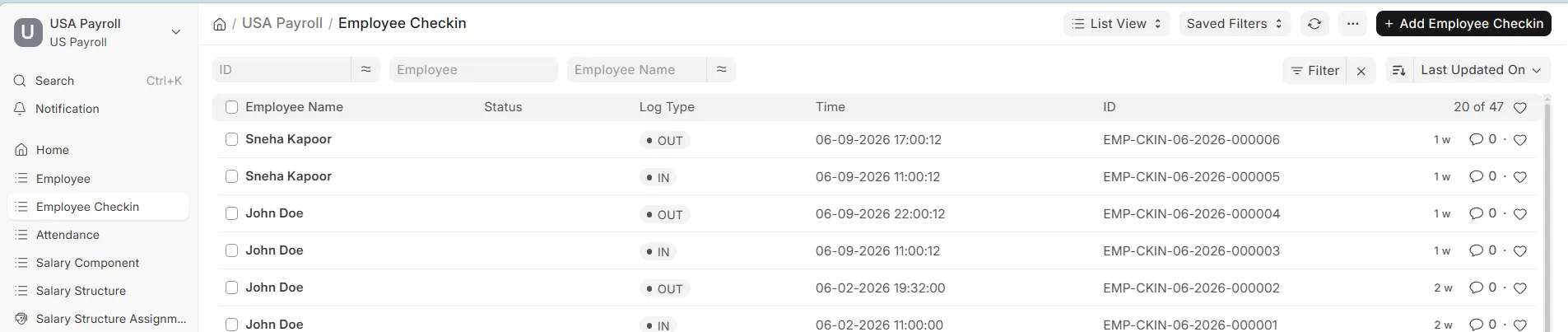 Employee Checkin list view
 - Fill in all the details and click Save.
 New Employee Checkin form