Income Tax Slab
Define the income ranges and the tax rate that applies to each.
Overview
An Income Tax Slab defines income ranges that are taxed at different rates. In a progressive tax system, higher income is taxed at higher rates. ERPNext uses the slab to calculate the income tax an employee owes based on their earnings.
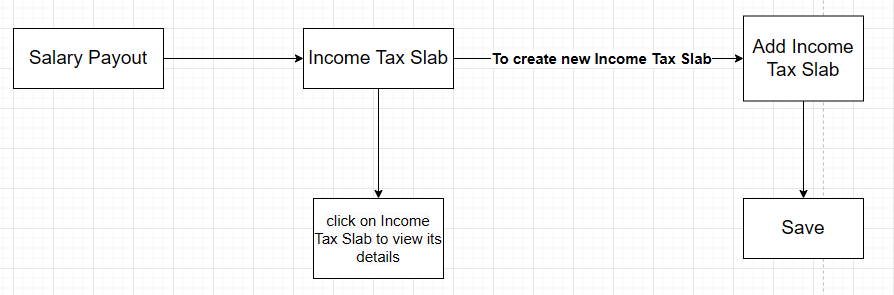 Income Tax Slab overview
Create an income tax slab
- Go to Home → Salary Payout → Income Tax Slab.
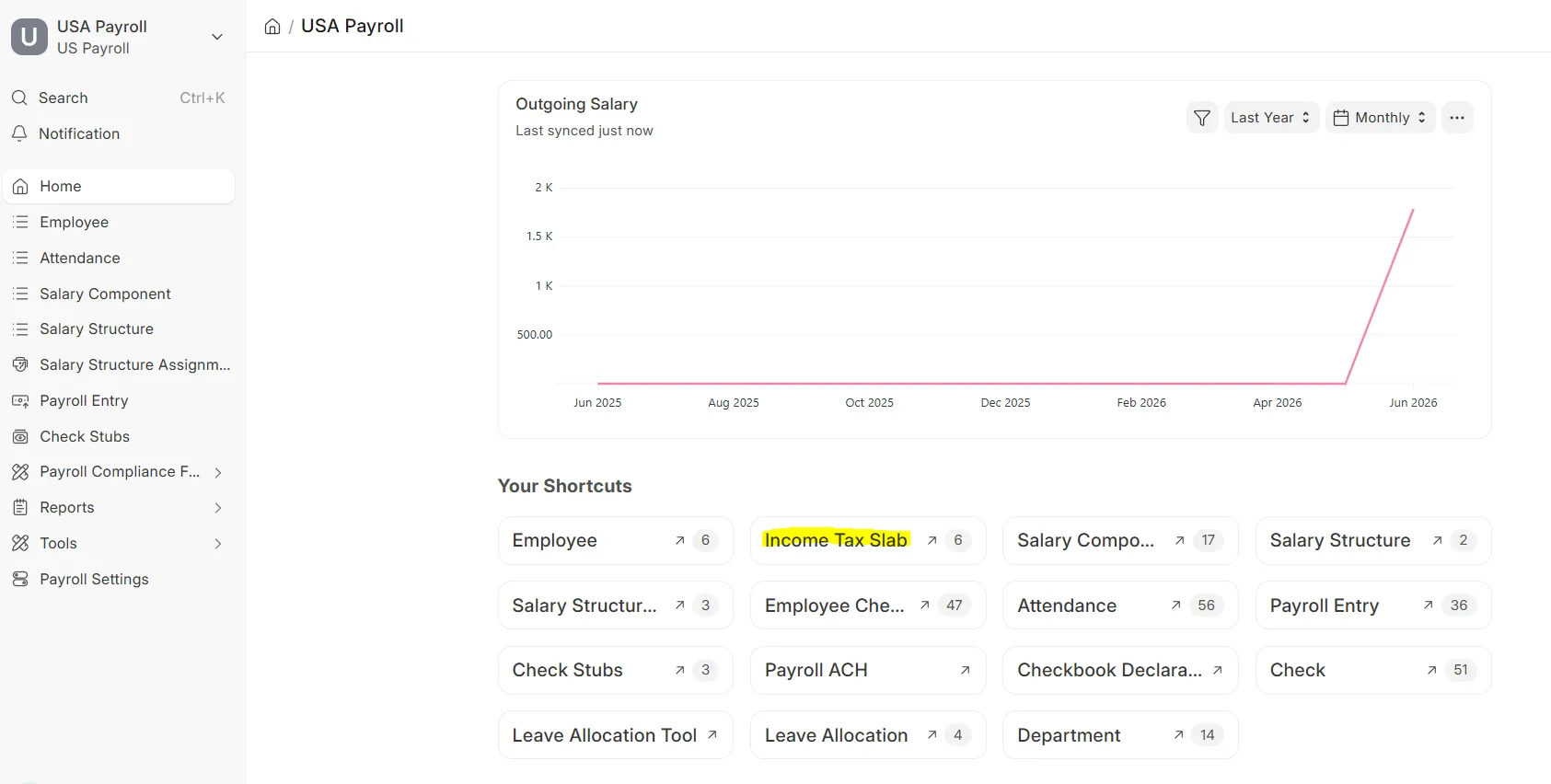 Income Tax Slab workspace
 - Click Add Income Tax Slab.
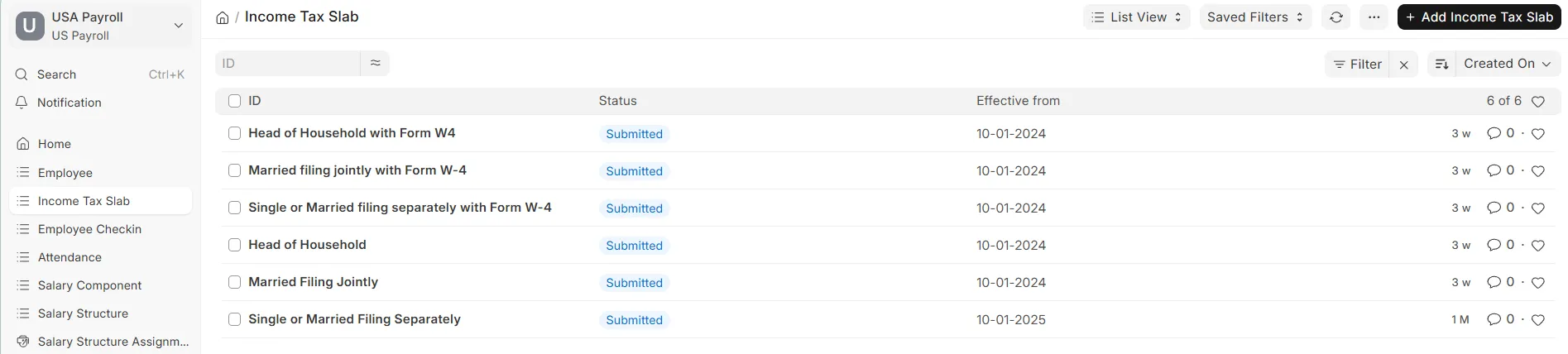 Income Tax Slab list view
 - Fill in all the details and click Save.
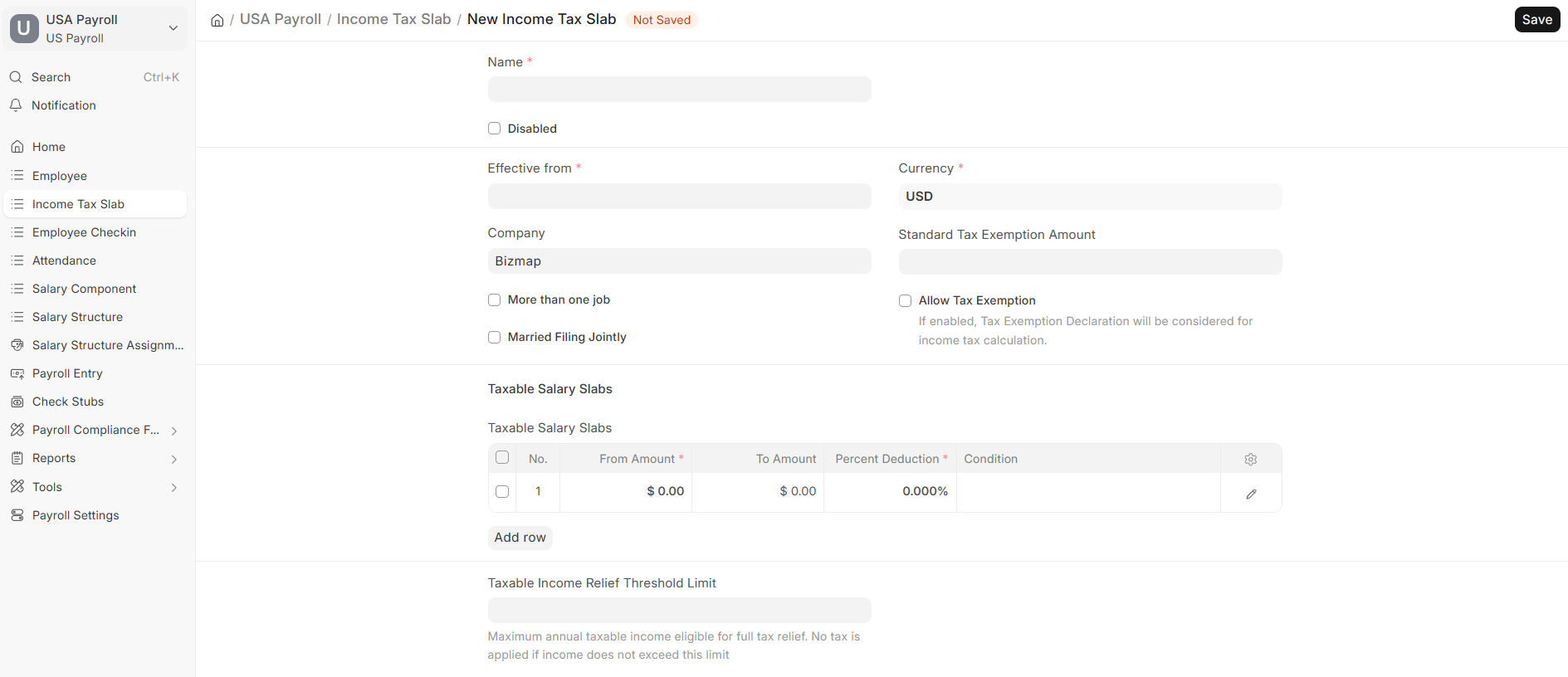 New Income Tax Slab form
Key options
| Option | What it does |
|---|---|
| More than one job | Check if the slab applies to an employee with more than one job |
| Married Filing Jointly | Check only when the slab is for the married filing jointly status |