Leave Allocation
The leave balance assigned to a single employee for a period.
Overview
A Leave Allocation record defines the number of leave days/hours assigned to an employee for a specific period. These balances are consumed as employees take leave and feed into payroll leave calculations.
Create a leave allocation
- Go to Home → USA Payroll → Leave Allocation.
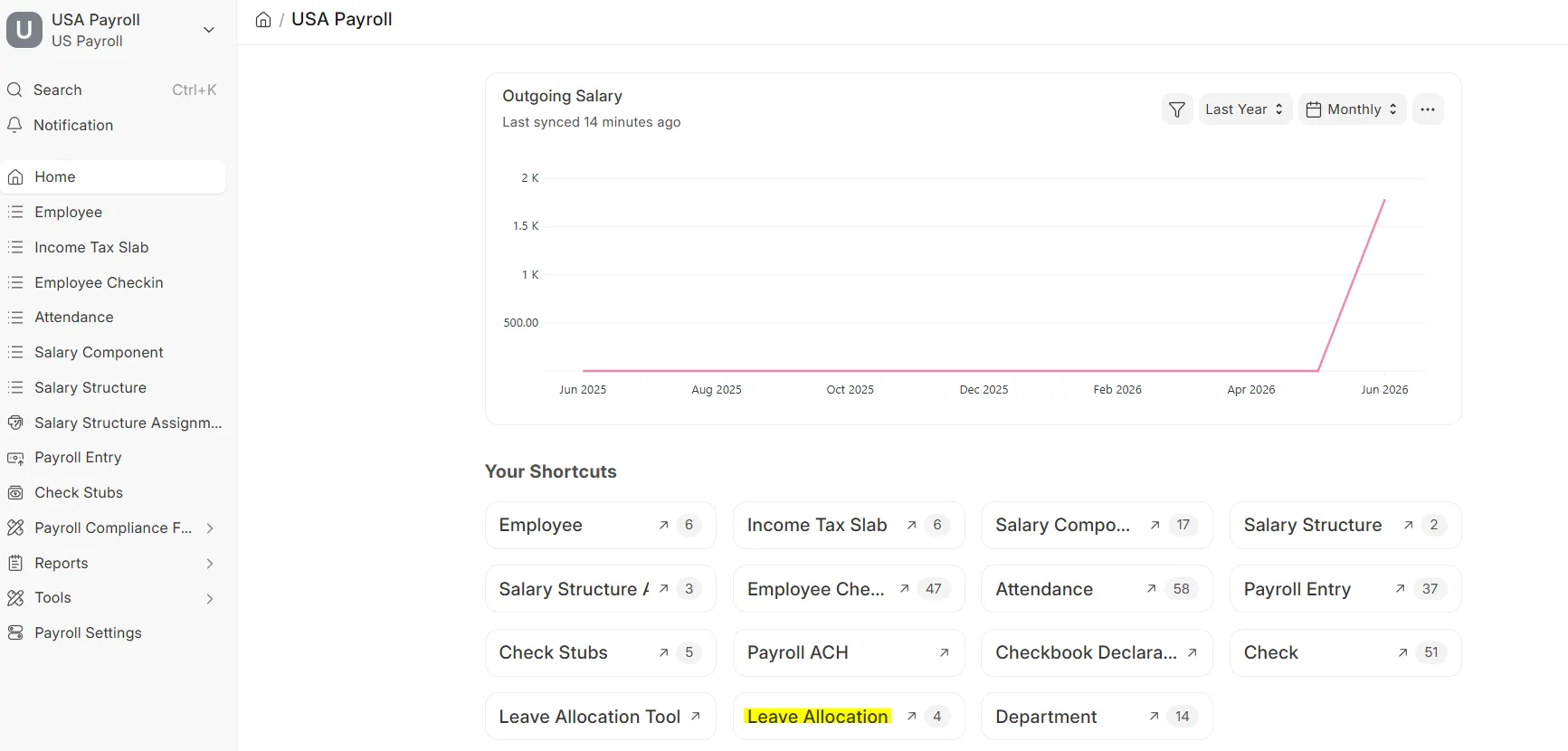 Leave Allocation workspace
 - Click Add Leave Allocation.
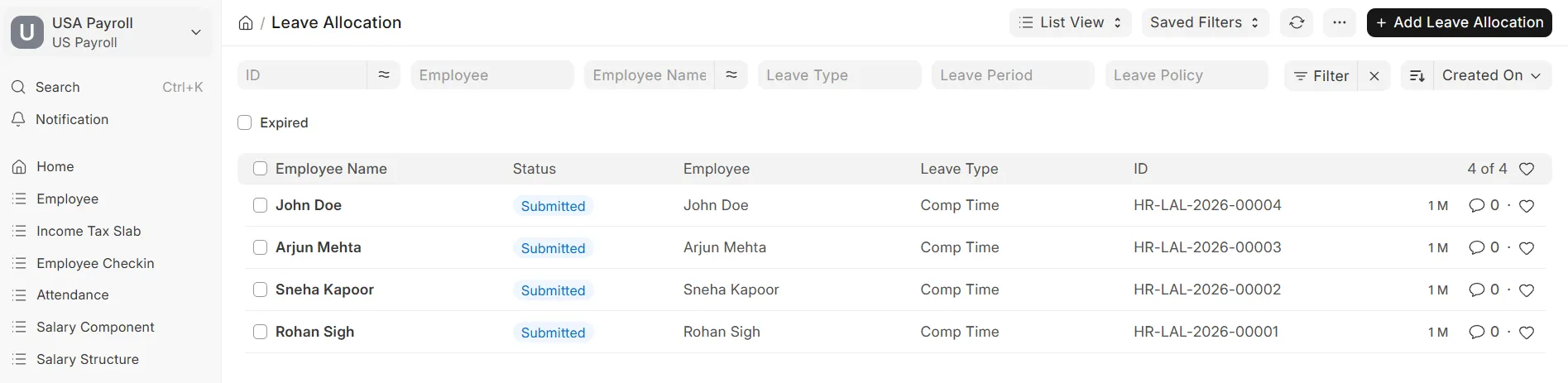 Leave Allocation list view
 - Fill in all the details and click Save.
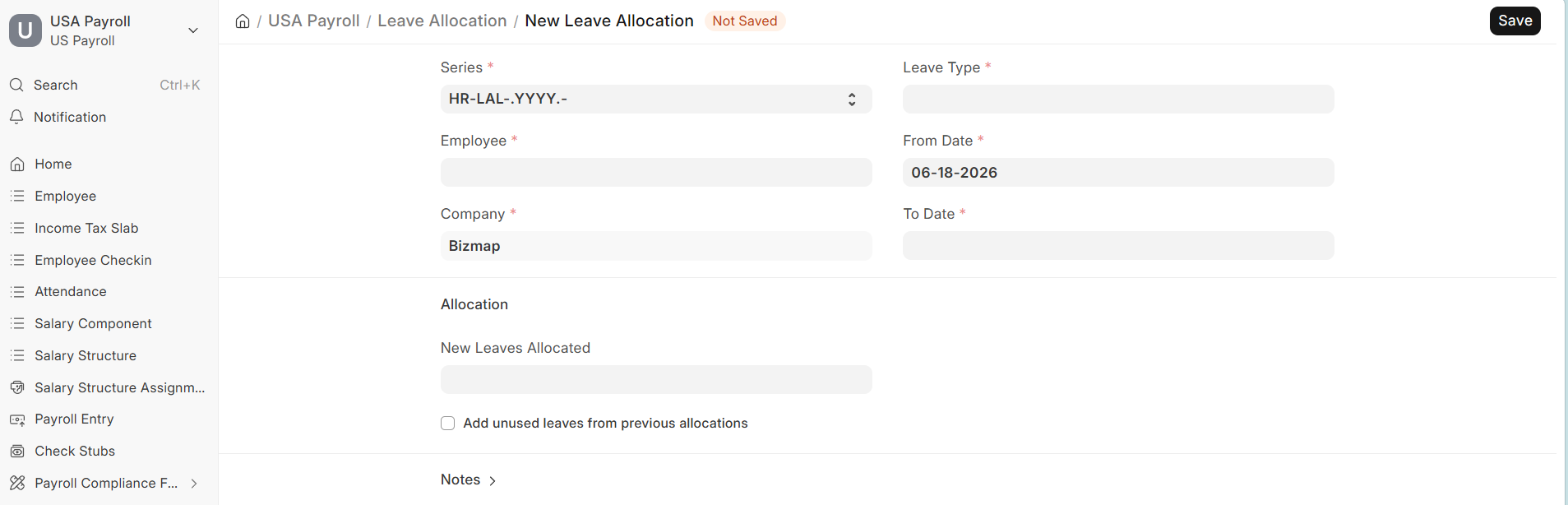 New Leave Allocation form