Payroll Entry
Process payroll for many employees in a single pay period.
Overview
A Payroll Entry records payroll information for all selected employees for a specific pay period. It calculates gross salary, deductions and net pay, and concludes by generating the salary slips (check stubs).
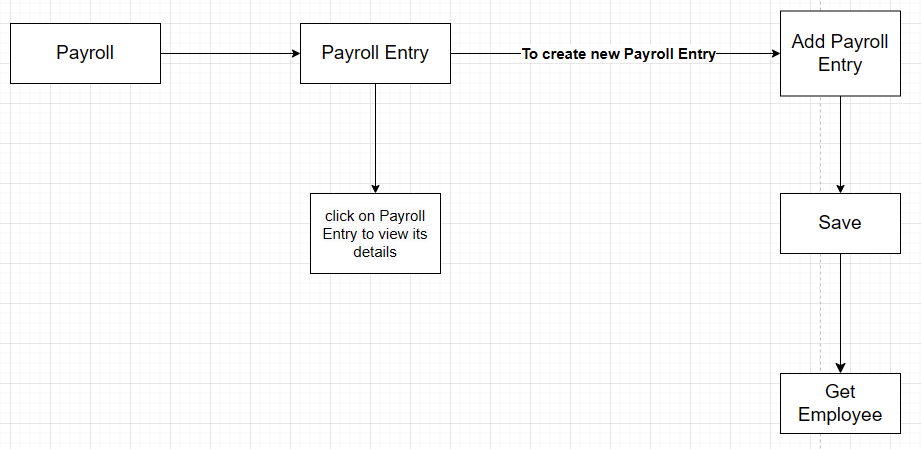 Payroll Entry overview
Create a payroll entry
- Go to Home → USA Payroll → Payroll Entry.
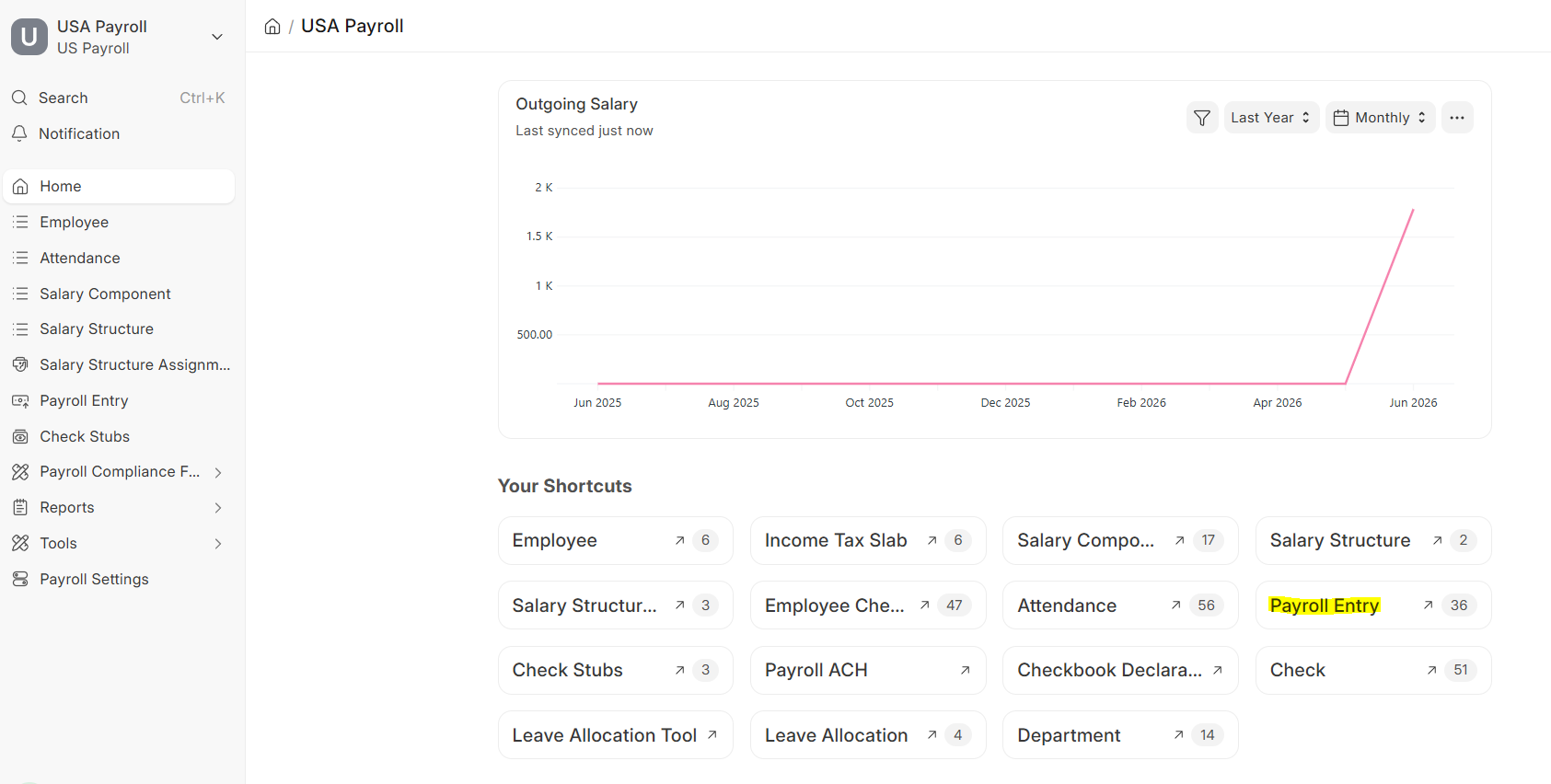 Payroll Entry workspace
 - Click Add Payroll Entry.
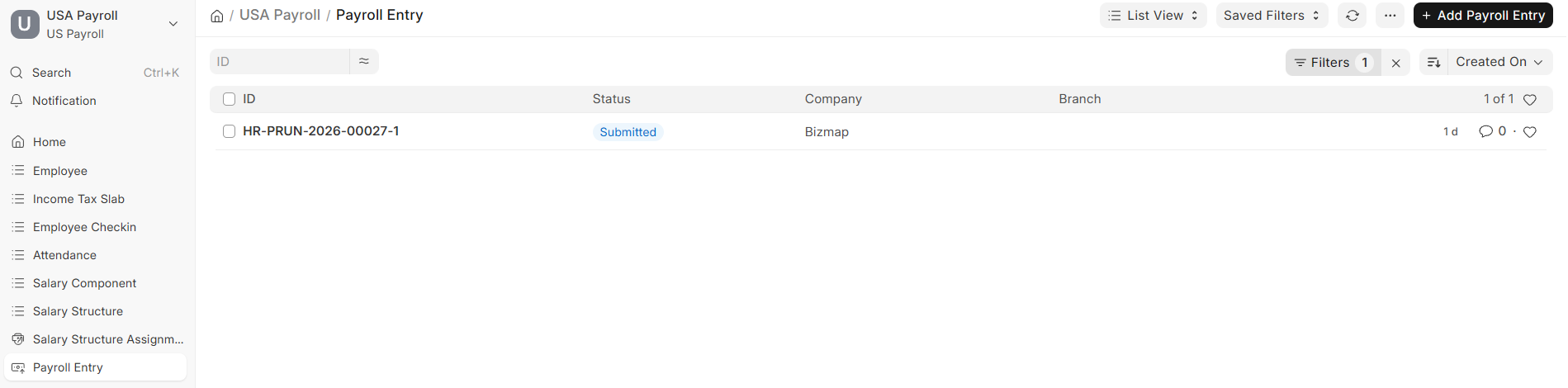 Payroll Entry list view
 - Fill in all the details and click Save.
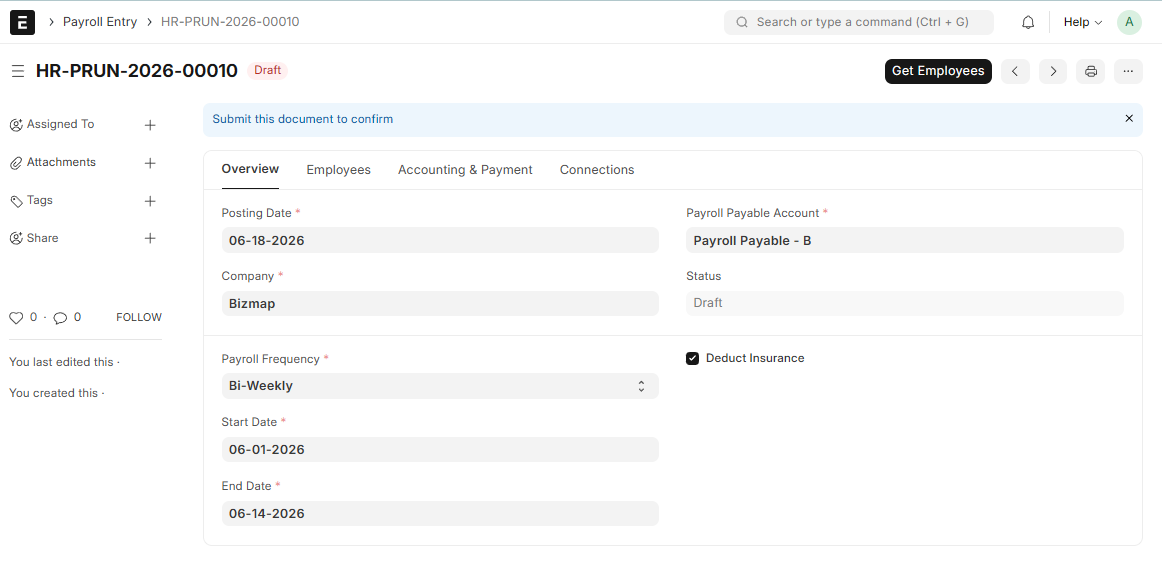 Get Employees in the Payroll Entry
- Click Get Employees to pull in everyone eligible for this pay period.
Tip: Filter by company, branch or department before clicking Get Employees to run payroll for a specific group.