Leave Allocation Tool
Allocate leave hours to many employees at once.
Overview
The Leave Allocation Tool is a utility for bulk allocation of leave hours to employees, far quicker than creating allocations individually.
Allocate leave in bulk
- Go to Home → USA Payroll → Leave Allocation Tool.
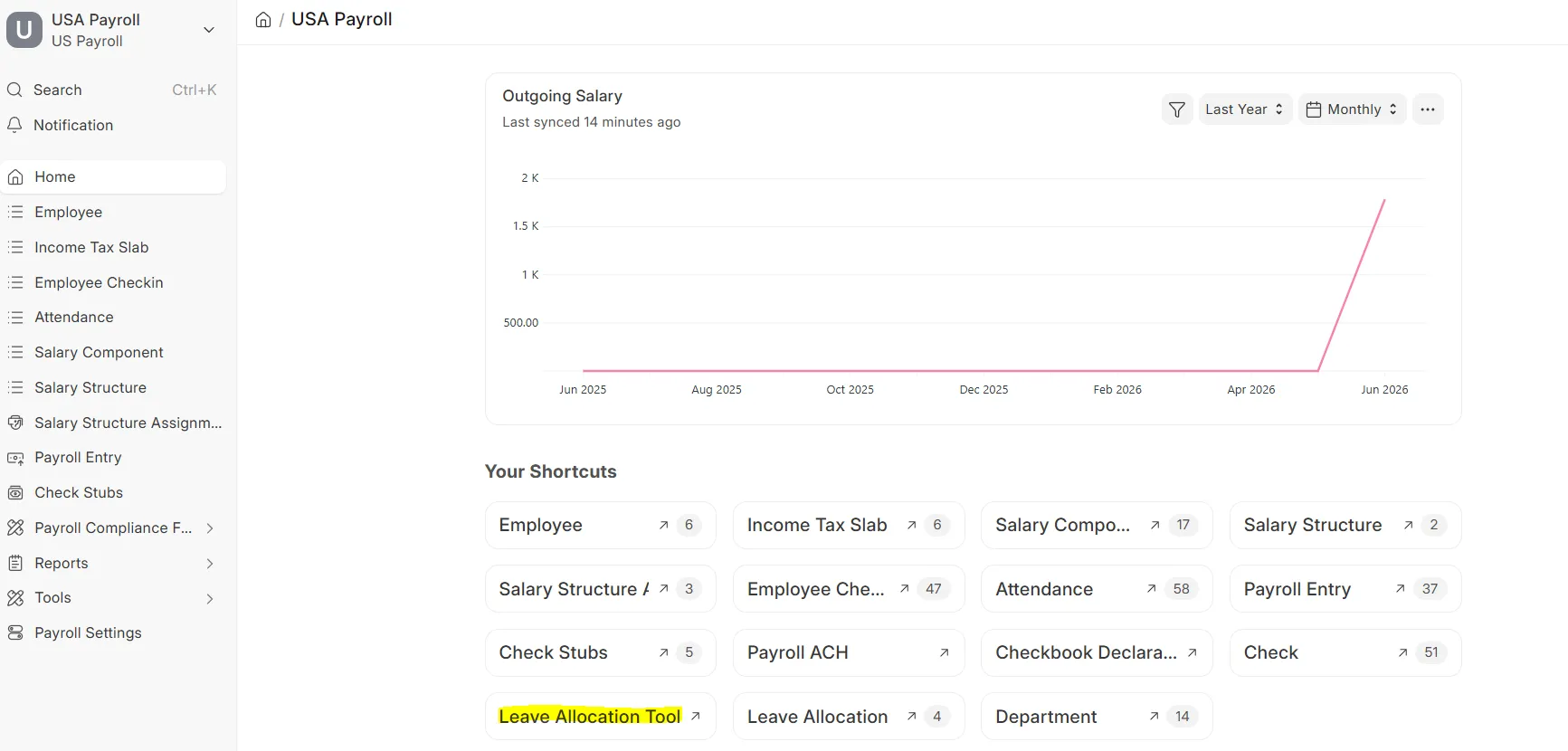 Leave Allocation Tool
 - Select the Leave Type and click Get Employees.
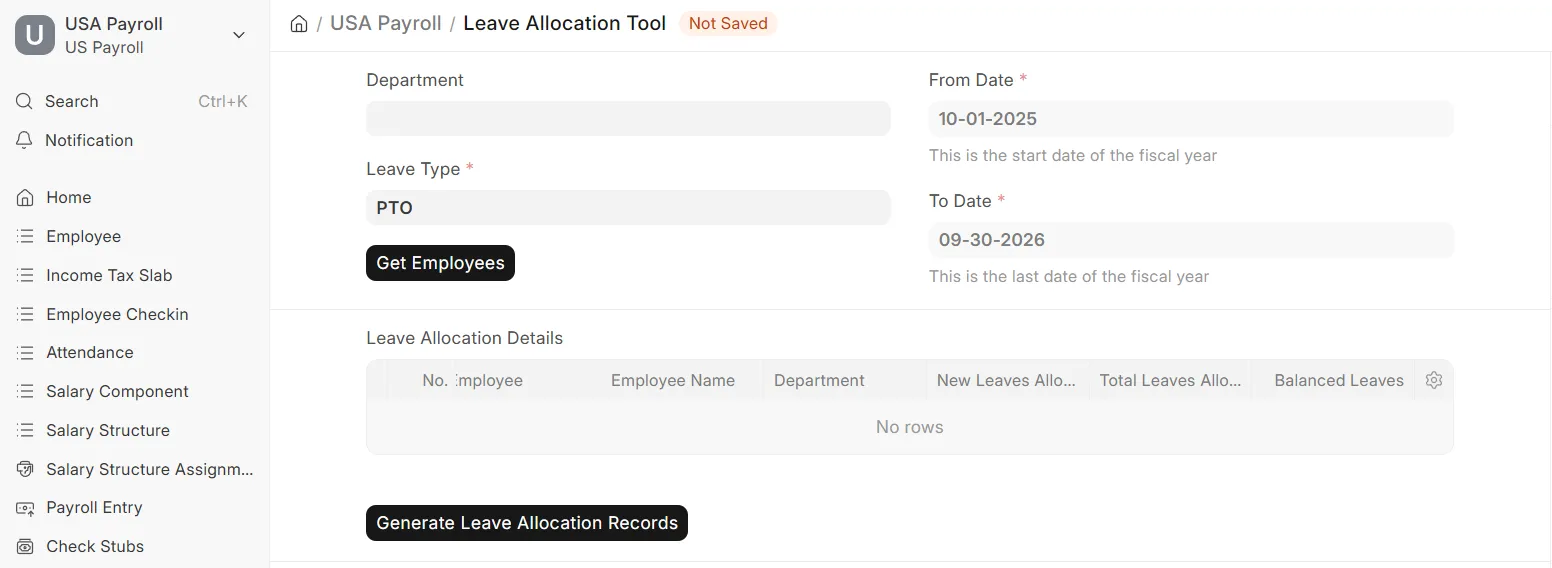 Select leave type and fetch employees
 - Enter the New Leaves Allocated and click Generate Leave Allocation Records.
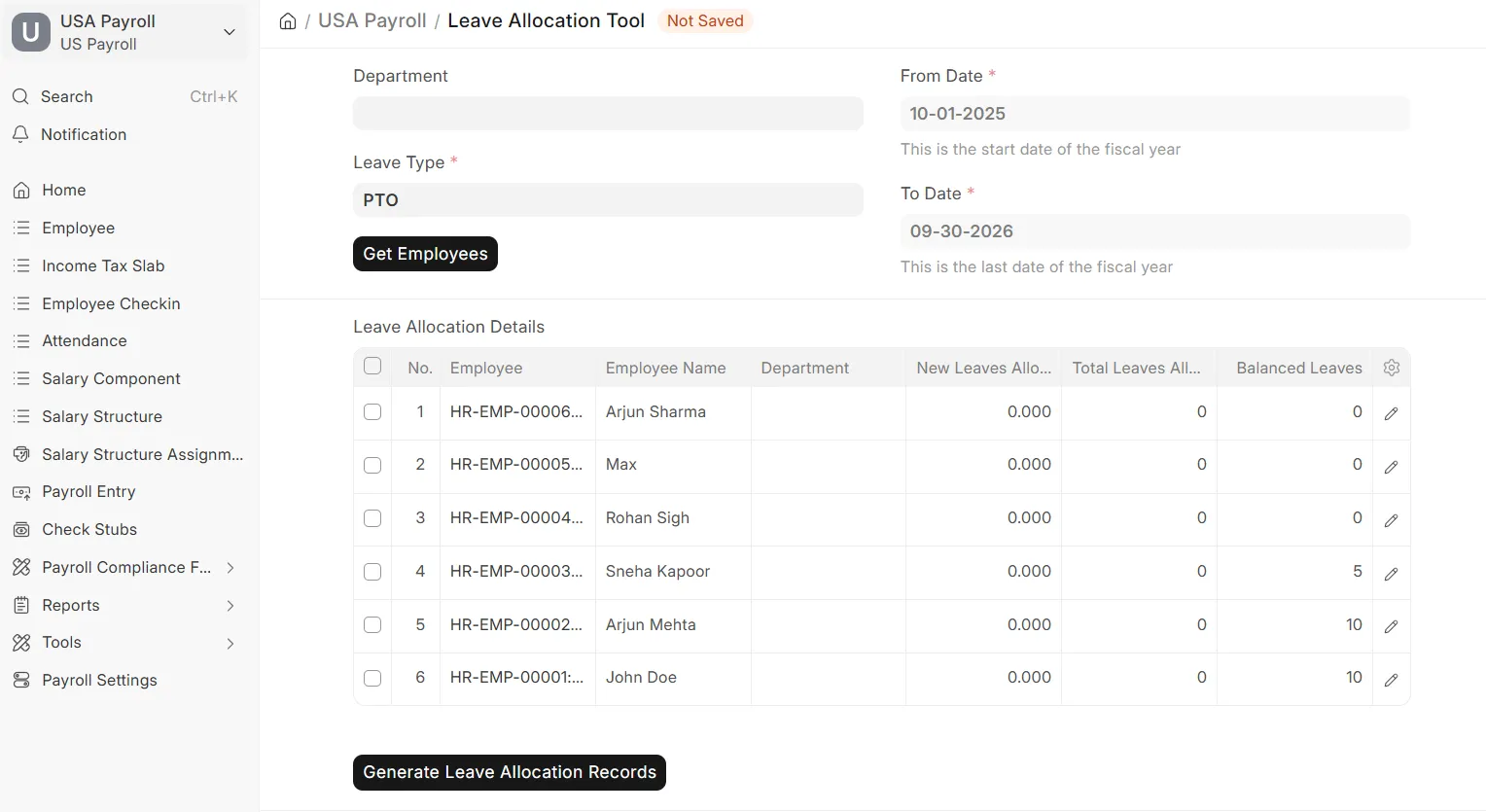 Enter new leaves allocated
Note: This creates individual Leave Allocation records (see next page) for every employee you selected.